Edit beside the original
Review the source page and recognized content together in one workbench.

PDF format conversion
Turn PDFs into content you can edit and reuse. Review it beside the original page, then export the format you need.
Apple Silicon Mac · Local processing
by Gediao Works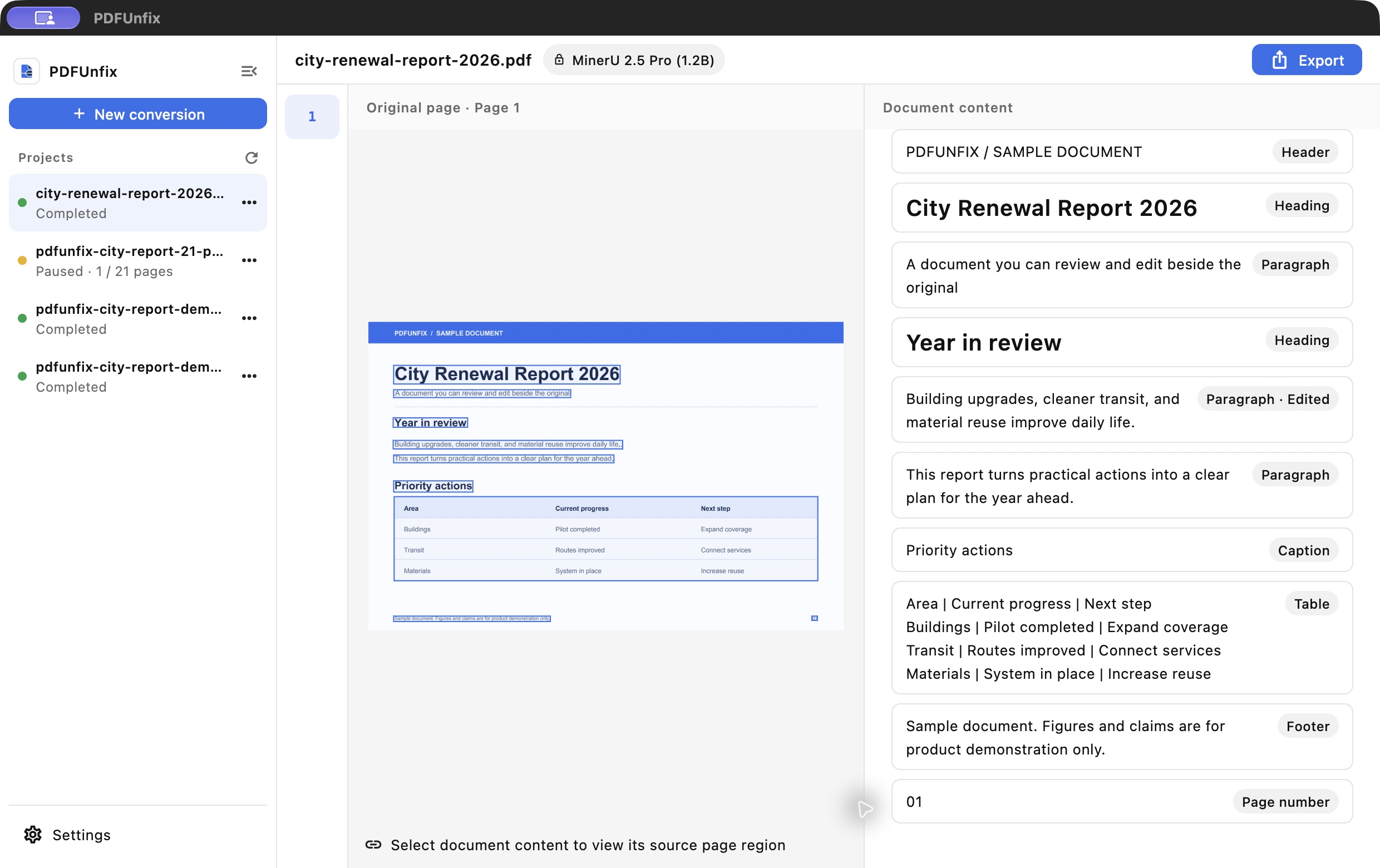
Review the source page and recognized content together in one workbench.
Export HTML, EPUB, DOCX, Markdown and TXT from the same content.
Use local models, keep your projects, and return to edit or export later.
An Apple Silicon Mac with at least 16 GB of unified memory. 32 GB is recommended for long documents or heavily scanned PDFs. Download a local model before your first conversion.